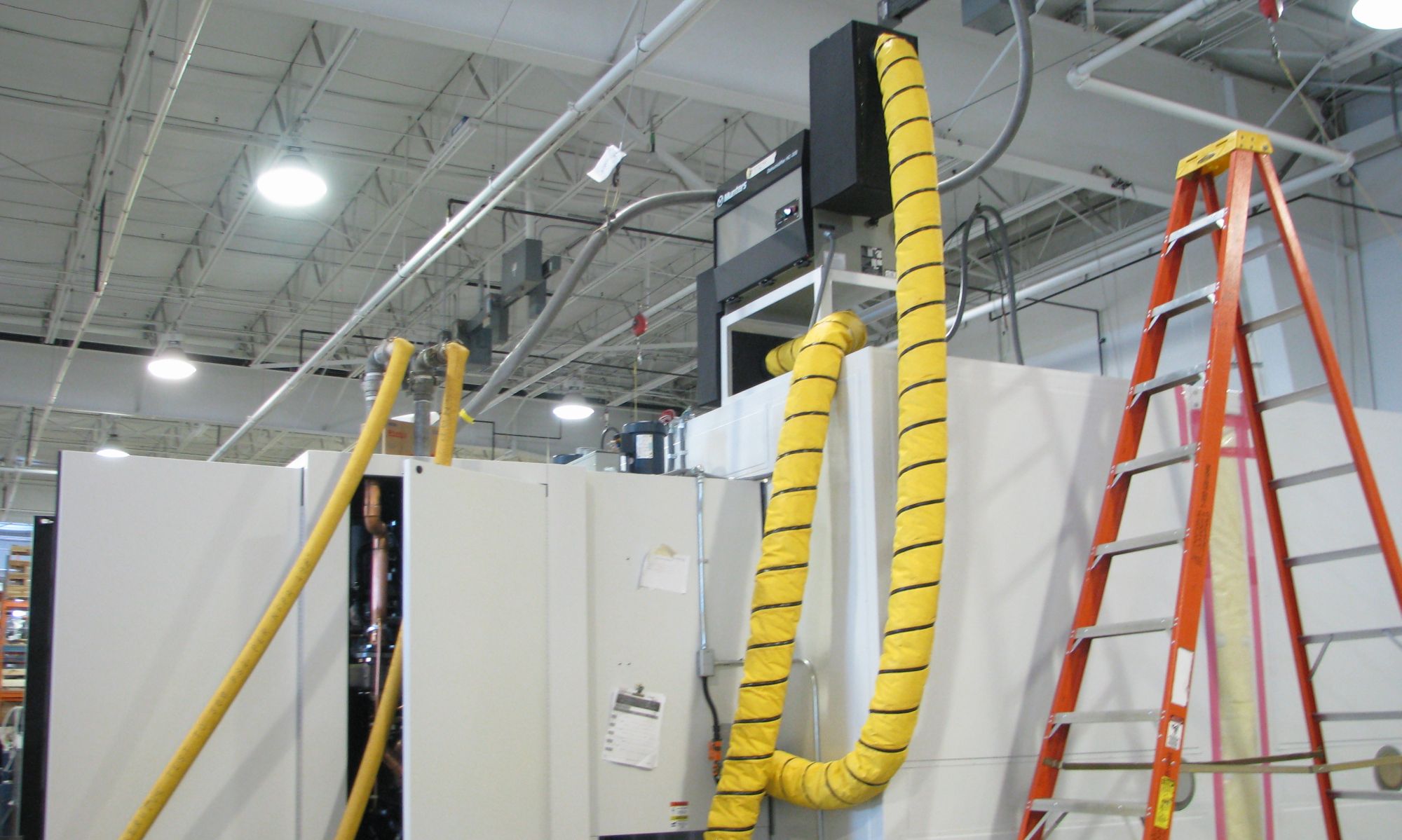
As a jack-of-all marketing guy, I often find myself having to work with photos. Website, flyers, emails to reps, and more. Some are professionally taken, others are quick snapshots with a digital camera. I still need to re-adjust size and formats, and other minor formating. Just today I was trying to adjust the coloring of two pictures that I want to use together, but one is blueish and one is redish. It ain’t easy!
Here is a great article reviewing the picture process, from shoot to file-prep. If you don’t like her DIY light-box, you can find some decent ones on eBay.
Check it out: Taking Professional-looking Photos Without a Professional
BTW: Here’s my image-handling toolbox:
- Older camera similar to Canon A610 with a pivoting screen. The pivot feature is essential if you are taking pictures of larger equipment, so you can go low or high.
- Irfanview basic image handling program. Great for quickly viewing images, cropping & reducing file sizes, plus basic color adjustment. Its free, everyone should have it!
- Photoshop LE version that came with the camera. I use it for working with TIF files I get from the pros. Its not the easiest to use, but has the best functions for managing outlines and colors.
- Fireworks for creating composite layouts and adding text. It’s preview mode for export to jpg makes it essential.