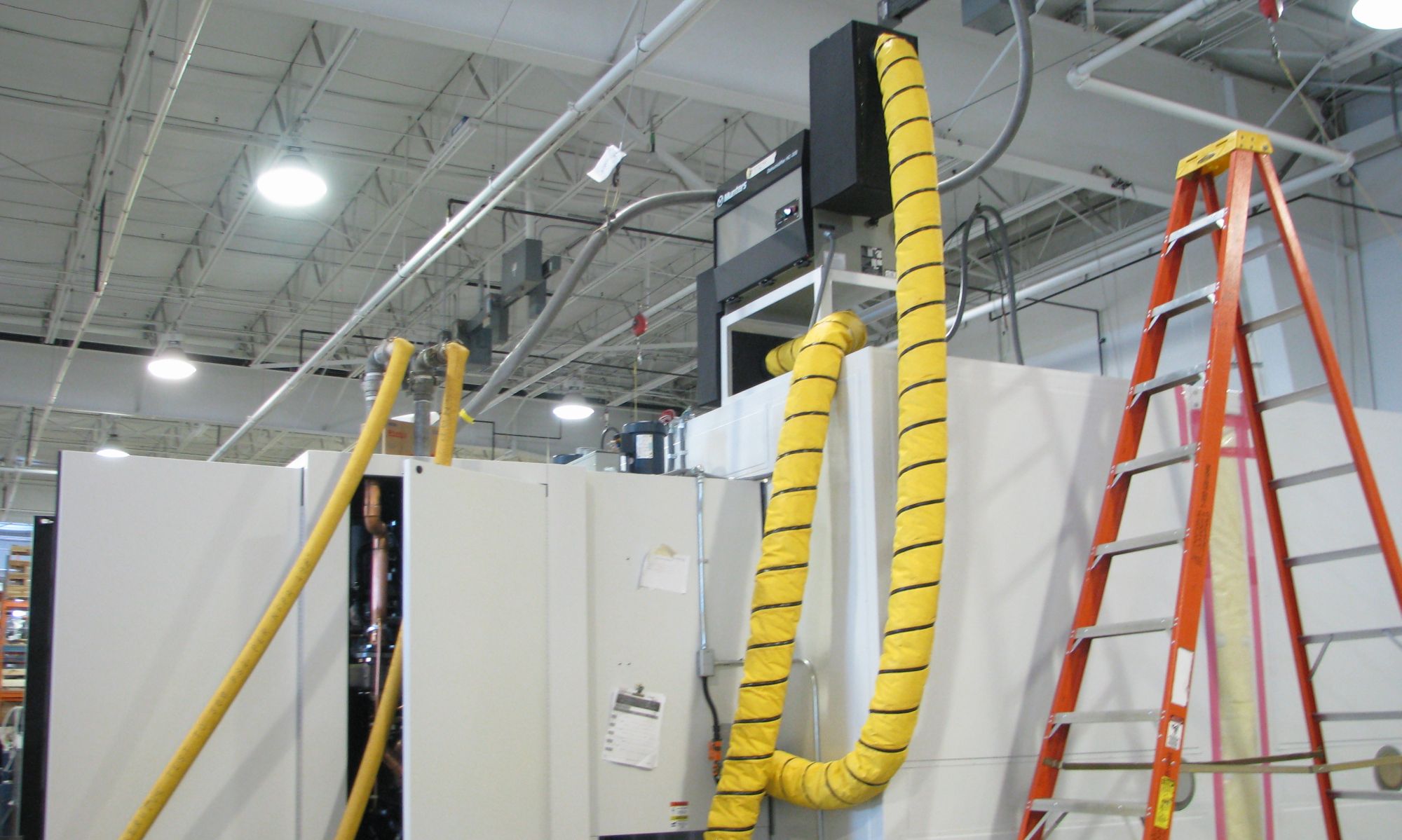
 It looked easy at first: an idle piece of equipment on our ‘final test’ line. “Let’s shoot a quick video of it operating,” I said.
The final production was more work than that, but I think this sets us on a trajectory to do more, and do better.
This video was for a less-common, but more interesting product, so the risk-factor was low in doing this. In the end, it is a video that does so much more than the rest of the web page that I’ve posted it at does.
Here’s what we did to make the video:
- Shot video, with our digi-cam & a tripod, of the unit operating.
- Created ‘powerpoint’ slides to cover product description, plus openings & closings.
- Shortened text on slides to absolute minimum.
- Used Windows Movie Maker to lay out the video & slides.
- Made the video in two sections: product info, and demonstration.
- Led the video with a snip of the demo, to interest the viewers.
- Recorded voice-over of the video (using WMM’s narration tool) three times.
- Wrote down what I said during the voice overs, and recorded a final take.
- Overlaid the voice-over with a music track using Audacity (music from Wired’s Rip Sample Mash Share CD)
- Adjusted timing of ‘slides’ in WMM to fit the voice-over.
- Export to WMV file and upload to YouTube.
It’s not the ‘YouTube’ style video that I imagined–it’s actually pretty bland and corporate. But it is quick (just over 2 minutes), and covers all the bases on the product.
Covering ‘all the bases’ slowed down the the production, and made this format much easier to complete. And as much as I wanted to be in front of the camera being all glib about our product, doing a voice-over worked much better. Saying it first, and writing it second, made the voice-over much more listenable and authentic than using a script.
Take a look: YouTube -Dust Chambers
(FYI: that’s not me in the video, that’s my assistant Chris. He did all the fun stuff with WMM to put this together. )
Not bad! But does it blend…;)
Not bad! But does it blend…;)
Some recommendations:– add more text (~ 250 words) and focus the text on high traffic keywords ( of course after the keyword research)– if a link added, add them with the hyperlink and a TAG. So you can track how many people do click.– put the content in HQ so your brand it is linked with high quality video– Make a summary of the video in bullets when possible. ( more keywords doesnt hurt)Hope this tips help you.
Some recommendations:- add more text (~ 250 words) and focus the text on high traffic keywords ( of course after the keyword research)- if a link added, add them with the hyperlink and a TAG. So you can track how many people do click.- put the content in HQ so your brand it is linked with high quality video- Make a summary of the video in bullets when possible. ( more keywords doesnt hurt)Hope this tips help you.
last but not least.. – Customize the youtube page with your logo and corporate color.– Allow people to suscribe, but make them NOT VISIBLE IN YOUR PAGE. – put all this extra characteristics in a PPT so you explain clearly how you add more value and not only telling “I have upload a video on youtube.”
last but not least.. – Customize the youtube page with your logo and corporate color.- Allow people to suscribe, but make them NOT VISIBLE IN YOUR PAGE. – put all this extra characteristics in a PPT so you explain clearly how you add more value and not only telling “I have upload a video on youtube.”
Nice work on the video, Dave!Thanks for the post; you’ve inspired me to get started on one here for our new conveyors.
Nice work on the video, Dave!Thanks for the post; you’ve inspired me to get started on one here for our new conveyors.
Thanks for posting that – now I know what you were referring to! Bland, sure, but it did a great job of displaying the product – and at least it wasn’t set to elevator music like a lot of these corporate videos.
Thanks for posting that – now I know what you were referring to! Bland, sure, but it did a great job of displaying the product – and at least it wasn’t set to elevator music like a lot of these corporate videos.
Mike- It’s tempting to take the ‘will it blend’ route with our products!IGN- We didn’t really think about SEO. These are great tips we can do, thanks!Chris- Conveyors should be a natural for video. Most of my stuff doesn’t move, which will make the next video harder.Marjorie-Next time I’m thinking some Beastie Boys jazz/funk instrumental.
Mike- It’s tempting to take the ‘will it blend’ route with our products!IGN- We didn’t really think about SEO. These are great tips we can do, thanks!Chris- Conveyors should be a natural for video. Most of my stuff doesn’t move, which will make the next video harder.Marjorie-Next time I’m thinking some Beastie Boys jazz/funk instrumental.
Excellent job. Its wonderful about the Tips and tricks articleJason Pricejprice@walkersresearch.comhttp://www.walkersresearch.com/emaillists.asp
Excellent job. Its wonderful about the Tips and tricks articleJason Pricejprice@walkersresearch.comhttp://www.walkersresearch.com/emaillists.asp
Dave:
Looks great – I put it up on your ThomasNet.com profile http://www.thomasnet.com/profile.html?cid=699311.
Let me know if that’s ok.
Dave:Looks great – I put it up on your ThomasNet.com profile http://www.thomasnet.com/profile.html?cid=699311. Let me know if that’s ok.
Thanks Brendan, that looks great!
Thanks Brendan, that looks great!
Dave, congrats. You already have 152 views … not bad. I read somewhere about how if you add subtitles to b2b videos … because people listen in the office with sound off… you increase viewership dramatically. Something to think about for any b2b. So what have been the results so far of the video? Julie
Dave, congrats. You already have 152 views … not bad. I read somewhere about how if you add subtitles to b2b videos … because people listen in the office with sound off… you increase viewership dramatically. Something to think about for any b2b. So what have been the results so far of the video? Julie